
How to Search for a Clarke County Warrant
There is no searchable Clarke Sheriff warrant list and no single public Virginia warrant database. Use the state OCIS case-information page to locate an adult criminal or traffic case. Select Clarke Circuit, General District, or JDR when the court is known. A name search can find a case; the clerk confirms the court’s public process record.
Have the correct spelling, court, case number, or hearing date ready. Search your own matter or help a relative with permission. Do not read an empty result as clearance, and do not make a payment based only on a search screen.
- Open Virginia OCIS and choose the likely Clarke court.
- Search by name, hearing date, or case number; use one court for a case-number search.
- For older General District matters, use the legacy tool’s Archived or All setting.
- Call the Circuit Clerk at 540-955-5116, GDC at 540-955-5128, or JDR at 540-955-5136.
- For service routing call 540-955-1234; request existing sheriff records through its FOIA contact.
Clarke County Warrant Search Court Filters
OCIS lets a user select a court level and court. A case-number search requires the court, while name searches support court filters and have their own matching rules. The statewide case-information landing page offers the official entry point. It covers court cases, not every outstanding warrant in Virginia.
The county court map explains the local choices: Circuit handles felony and serious criminal files; General District handles adult traffic, misdemeanors, and felony preliminary hearings; JDR handles juvenile and domestic matters. Read the court label before calling.
The source screen shows the state court choices used for a Clarke County warrant search.
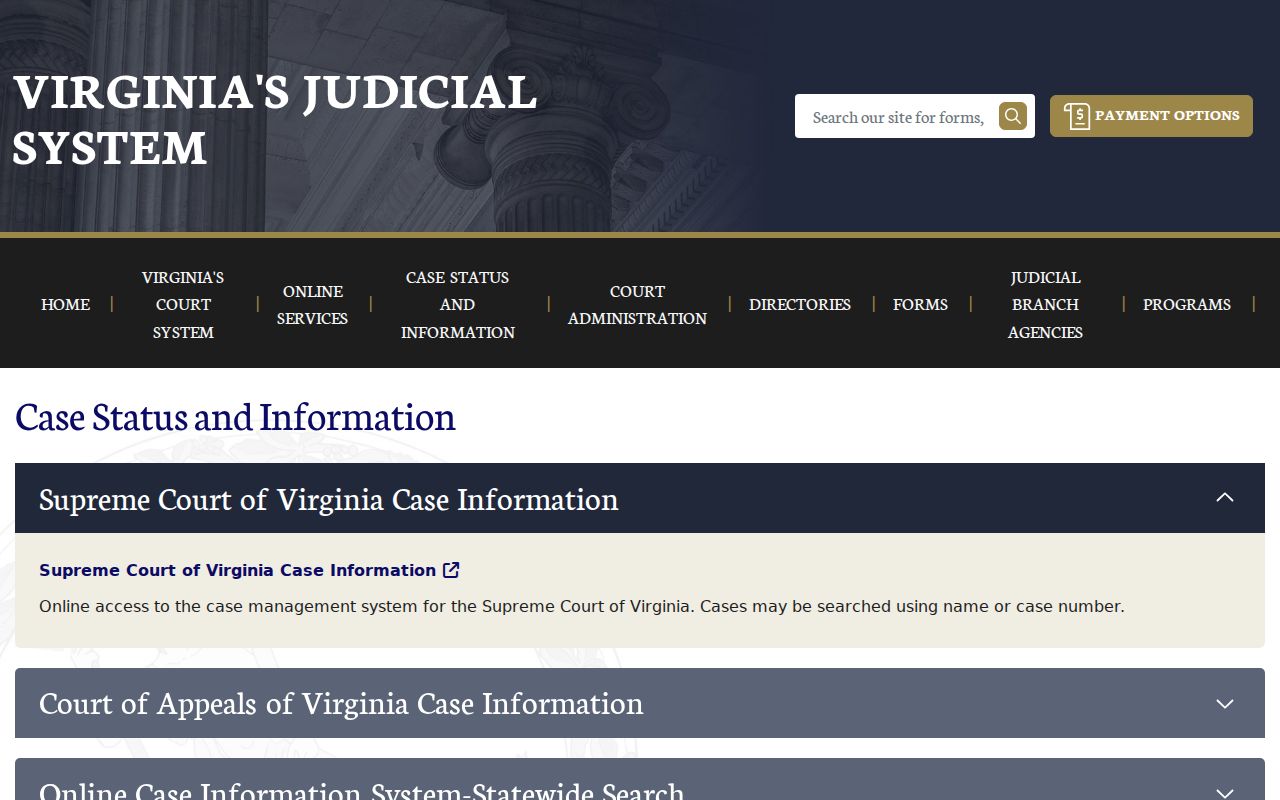
Use the selected court to reach the clerk who can explain the public case file.
Clarke County Warrant Search Fields
OCIS and the GDC legacy search offer case-search fields rather than a warrant-number lookup. The exact controls depend on the search route. Use a known court and case number when possible; a name alone can return more than one case. General District search is limited to one court at a time.
| Field Label | Type | Required | Notes |
|---|---|---|---|
| Name | Text | Depends on route | OCIS rules allow partial names; GDC legacy requires a last name. |
| Case number | Text | Optional; court required | Use the case prefix shown on the court record. |
| Hearing date | Date | Optional | Locates a scheduled or historical court event, not warrant status by itself. |
| Court | Selection | Required for case number | Choose Clarke Circuit, GDC, or JDR where available. |
| Data status | Selection | Optional in legacy GDC | Current, Archived, or All helps locate older matters. |
Clarke County GDC Archived Search
The legacy General District Court tool distinguishes Current, Archived, and All data. A closed or older case may not appear when only current data is selected. The official GDC search help says users search one court at a time and describes case-number formats. Traffic case numbers often use a GT prefix; other GDC matters may use GC or GV.
Before calling, write down the court, case number, hearing date, charge, and displayed service or disposition fields. That gives the clerk a concrete file to locate. It also helps separate a historic hearing from a current process question.
The official help screen shows the legacy court selector and the kinds of case fields available.
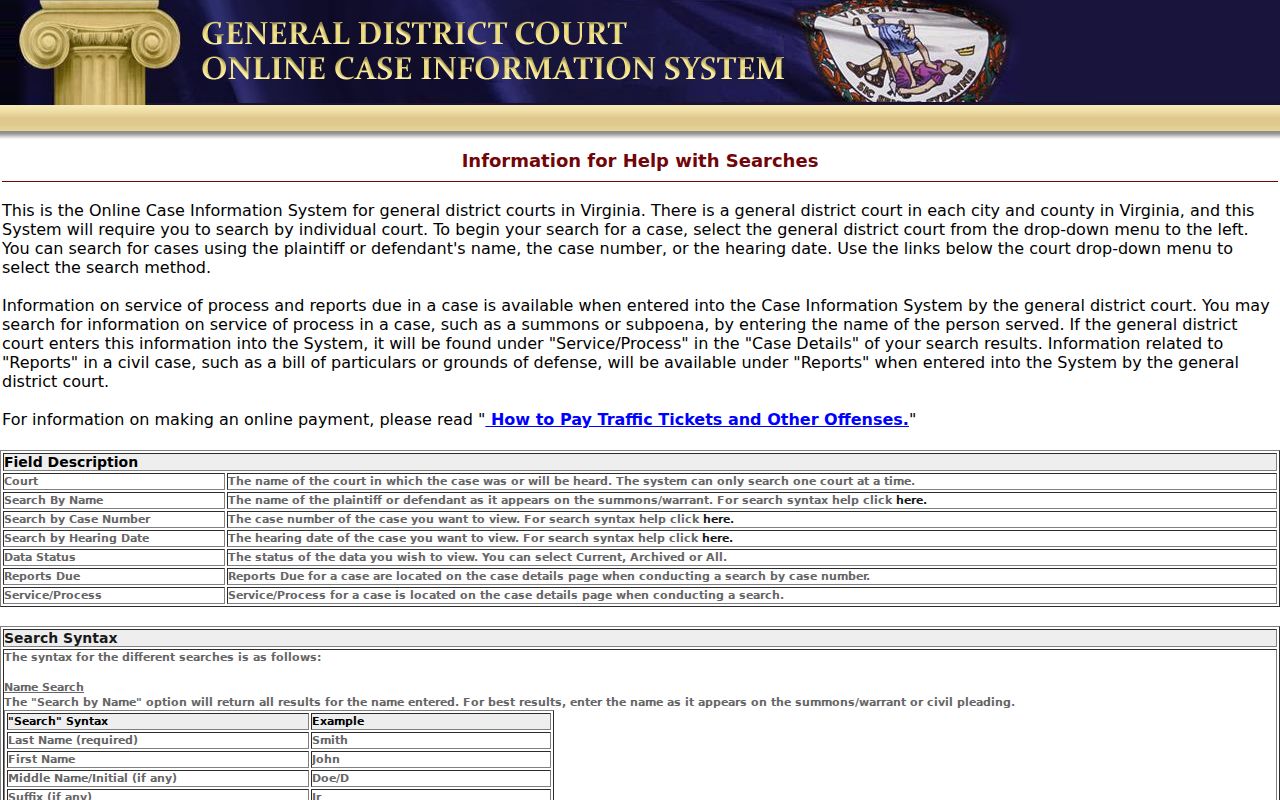
The one-court design is why a search in a nearby jurisdiction will not answer for Clarke.
What a Clarke County Warrant Search Returns
A matching result can show the court, case number, defendant field, offense date, hearing date, charge, and code section. Detail pages may add appeal, hearing, disposition, and service-of-process information. These are case fields. OCIS does not promise a separate active-warrant status flag, and a warrant instrument may be held elsewhere.
| Case number | Illustrative traffic format: GT-YYYY-#####; it is not a real case. |
|---|---|
| Charge | Offense label and code section, when included. |
| Court | The selected Circuit, GDC, or JDR court. |
| Hearing | Scheduled or past event; check whether it was continued or completed. |
| Process | Some service fields may appear, but no complete warrant status is guaranteed. |
Why Clarke County No-Result Searches Mislead
A blank screen may reflect a spelling difference, wrong court, archived case, sealed process, juvenile record, a recent update, or a case outside Virginia. It may also mean no covered case matches. The screen alone cannot distinguish these possibilities. The official public-use notice warns that online information can be incomplete or outdated and is not the official record.
When a result appears, confirm the case and process with the clerk. A paid balance, closed disposition, or past hearing does not necessarily state whether a separate FTA warrant was recalled. If a search leads to an active-warrant question, the county’s active warrant information explains why a public roster is not available.
The portal’s public-use notice is shown here as a reference to the system’s own limits.
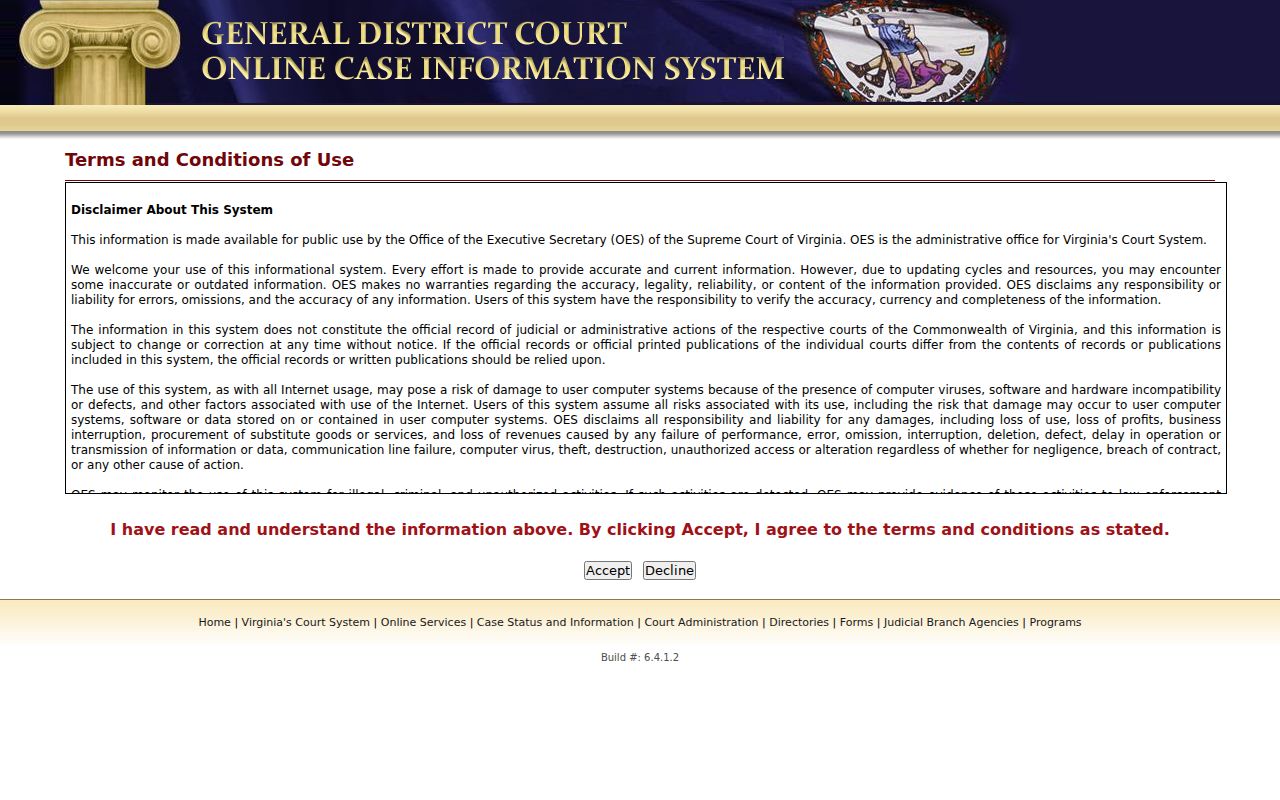
Treat the screen as a research aid and ask the right clerk to explain the official file.
Where Clarke County Warrants Are Checked
For a Circuit record, call the Circuit Clerk at 102 N. Church Street, 540-955-5116. General District records and adult traffic cases go to the GDC clerk at 104 N. Church Street, 540-955-5128. JDR records use the second-floor clerk at 104 N. Church Street, 540-955-5136, with confidentiality limits.
The Sheriff’s Office at 100 N. Church Street handles its own service and records questions; 540-955-1234 is the non-emergency routing line. Berryville Police is a separate town channel for police records. Virginia has no public statewide warrant search that replaces the issuing court.
Clarke County Warrant Search Clerk Contacts
Save the three court numbers with the case number. Circuit Clerk April Wilkerson’s office handles Circuit files. General District Clerk Julie Aemmer’s office handles adult traffic and misdemeanor files. JDR Clerk Sherri Allen’s office handles juvenile and domestic files, which may not be open through the ordinary search.
The contact pages explain office roles and current public procedures: Clarke Circuit Court, Clarke General District Court, and Clarke JDR Court. Ask which court holds the process before visiting. Court hours are generally 8 a.m. to 4 p.m. on the reviewed pages; confirm before travel.
The state’s OCIS help screen outlines name and case searches used to find the right clerk.
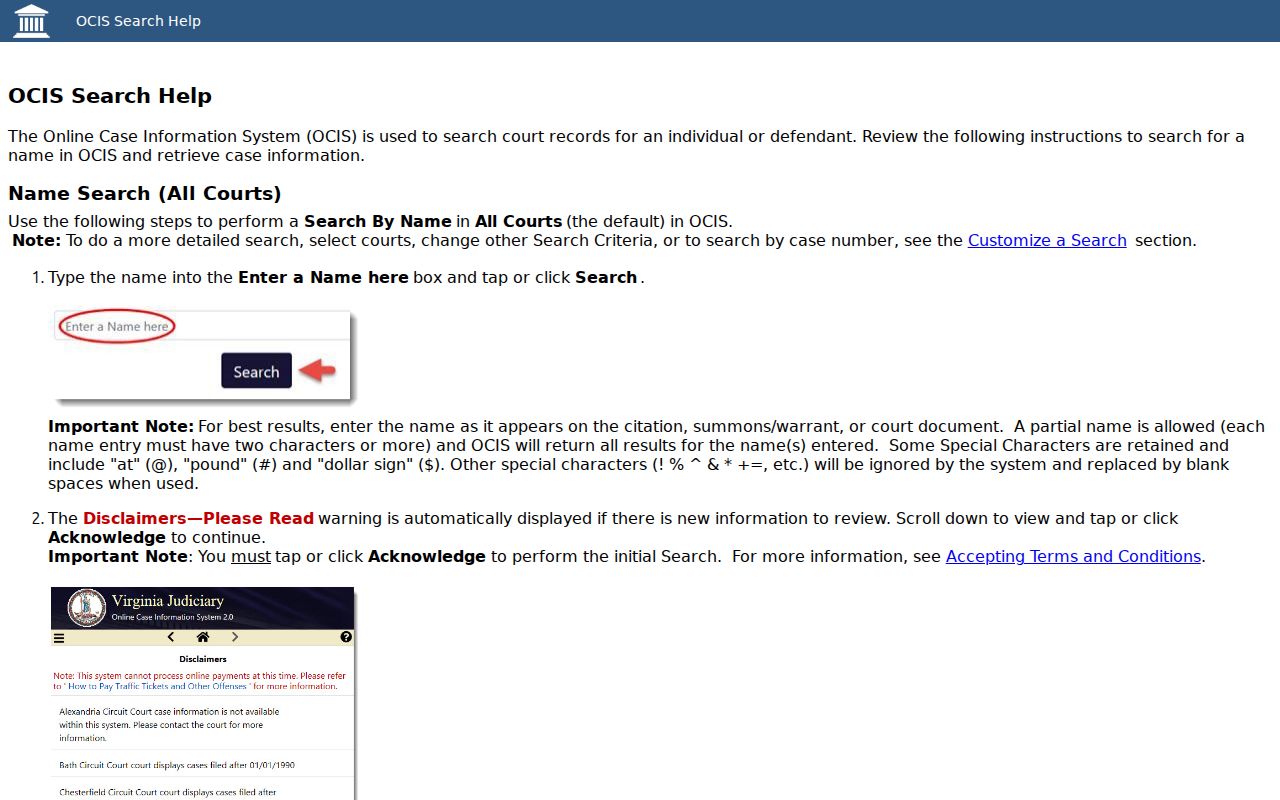
The three offices keep different files, so a question about one record should go to its issuing court.
Access and Restricted Warrants
Virginia FOIA applies to public-body records with statutory exceptions, but court files follow court-specific rules too. JDR and juvenile law-enforcement records are restricted. Search-warrant affidavits have separate post-execution access rules and can be temporarily sealed for good cause. Operational law-enforcement details may also be withheld under an applicable exemption.
Key Rules:
Sealed or exempt records may not appear in public results; ask the issuing court about access.
Virginia Code § 16.1-301 limits access to juvenile law-enforcement records.
An empty screen is not proof that no warrant exists; confirm current status with the court.
Clarke County Sheriff FOIA for Existing Records
If the needed document is an existing sheriff record, use the Sheriff’s Office FOIA channel, not a general request for a new list. Describe the record type, date range, court or agency, and whether inspection or an electronic copy is preferred. Ask for a cost estimate first. The sheriff may hold a service return or report while the court holds the warrant instrument and case file.
Virginia FOIA generally calls for a response within five working days, allows reasonable actual costs, and permits an advance deposit when estimated charges exceed $200. It does not require an agency to create a record that does not exist. The official sheriff request page gives the county contact; no Clarke warrant-search fee was located.